Fix names and terms with the Transcript Dictionary
Teach CueClip how to spell your name, brand and jargon so the transcript and captions get them right every time.
Add a correction
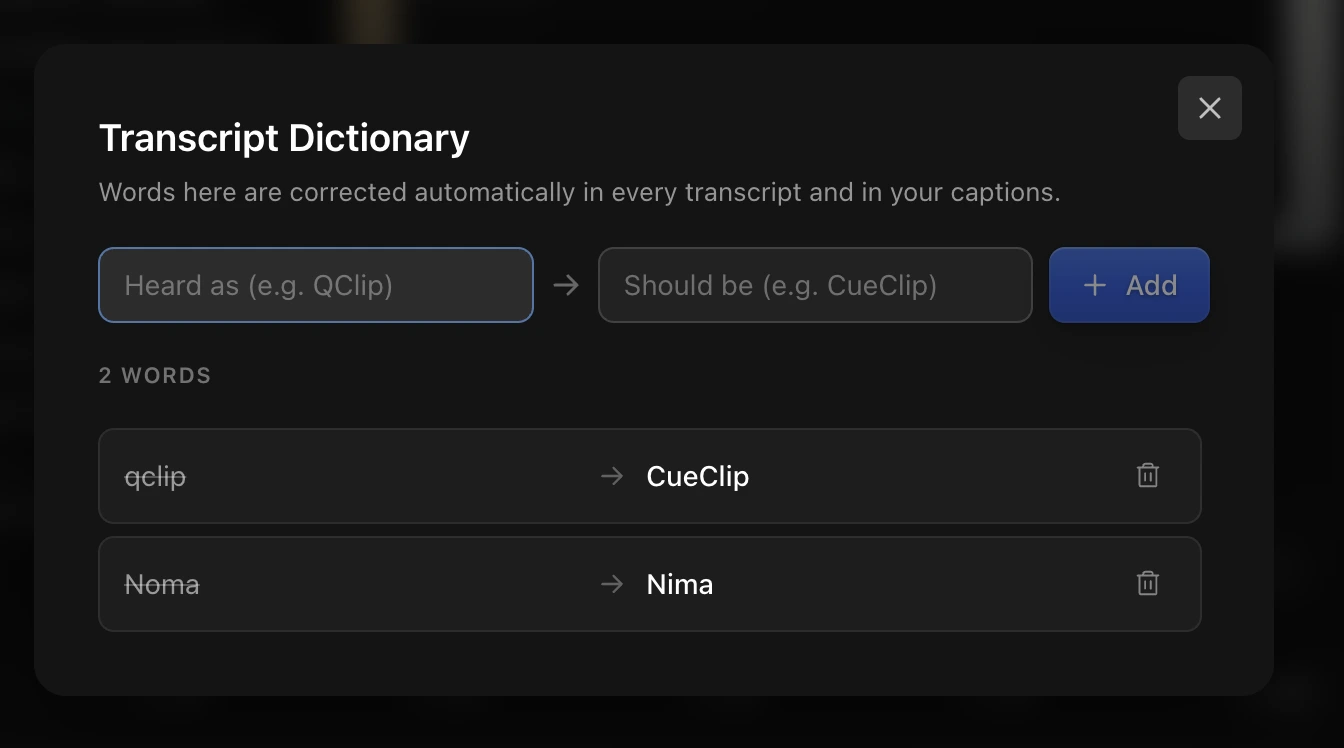
- Choose Edit → Transcript Dictionary… (⌘⇧D).
- Add the wrong spelling and the right one, for example “queue clip” → “CueClip”.
- The transcript and captions update to the spelling you chose.
Questions
Does it change the captions too?
Yes. Captions are built from the same transcript, so a correction applies to both.