Remove background noise and enhance your voice
Clean fan hum, room noise and car noise from your audio, and boost your voice, with the real before and after.
Clean the audio
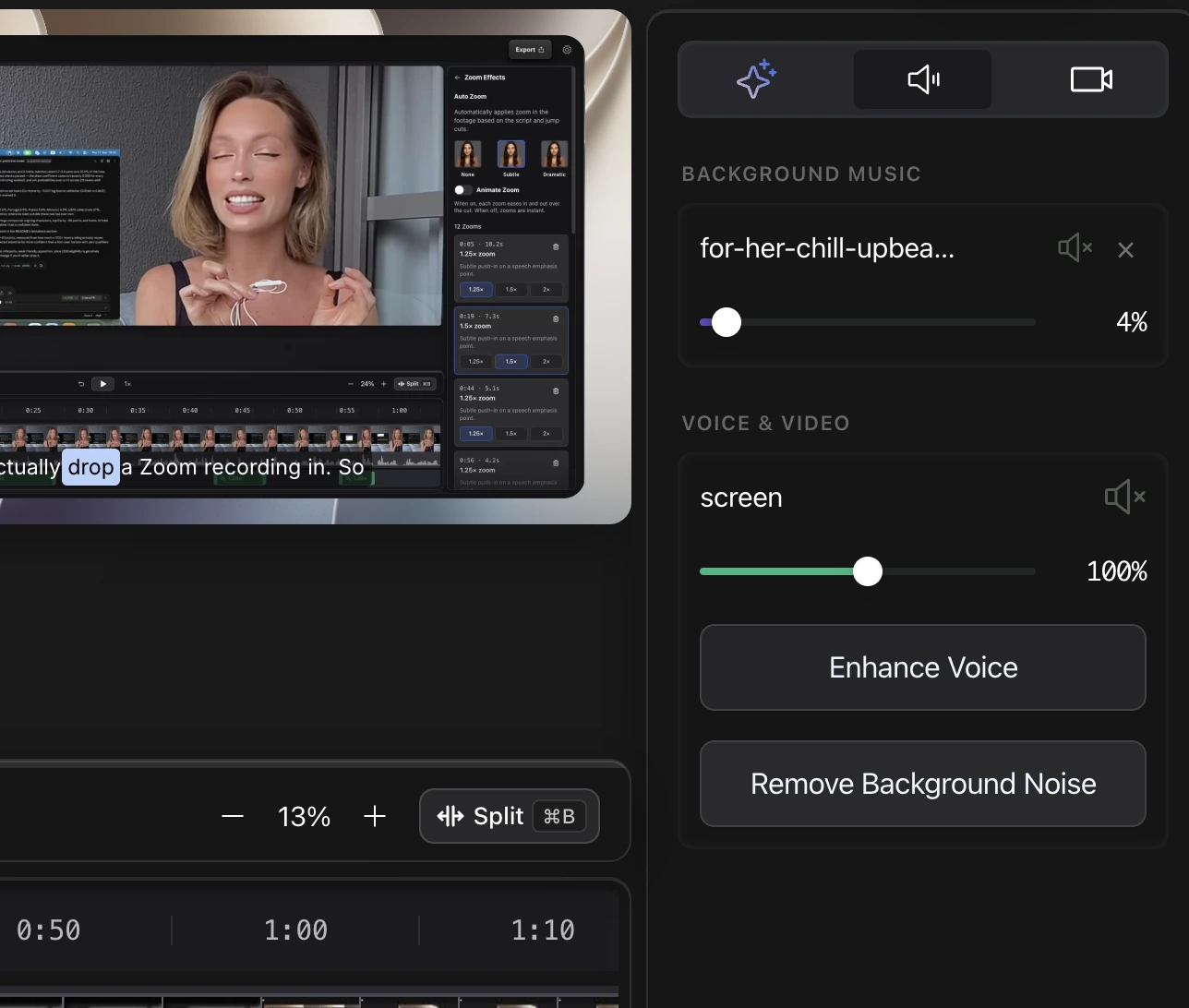
- Click the speaker icon at the top of the right-hand tools to open the Sound panel.
- Under Voice & Video, click Remove Background Noise and, if you like, Enhance Voice.
- Play a section to hear the result before you export. Background Music has its own volume and mute above.
If Shorten Gaps cannot find any pauses, noise is the usual cause. Clean the audio first, then run Shorten Gaps.
Questions
Can it clean up a recording made in a noisy place?
Yes. The linked video shows a vlog recorded in a moving car, before and after.